How to Choose Between a Wedding DJ and Spotify
Last Updated: November 5, 2026
Quick Summary
The wedding DJ vs Spotify choice depends on whether you want a system that reacts to the room or a playlist that plays exactly what you built. Spotify costs little beyond a subscription and gives total control, while a professional DJ reads crowd energy in real time and handles announcements and timeline changes.
- A DIY reception is rarely just a subscription: it adds speakers, a microphone, a mixer and someone's time.
- Share a must-play list and a do-not-play list so your tastes guide the DJ's music.
- Order your playlist by moment, not genre, and build open dancing in rising energy waves.
- Download every track for offline playback and load the same playlist onto a second device.
- Ask your venue about music licensing policy before building the plan around a personal Spotify account.
Table of Contents
- Wedding DJ vs Spotify: The Real Trade-Off
- Wedding DJ vs Spotify Cost: What You Actually Pay For
- What a Professional DJ Brings to Reception Music
- The DIY Playlist Advantage: Control and Savings
- How to Make a Wedding Playlist for Free
- Building the Best Wedding Reception Playlist on Spotify
- How to Keep Wedding Guests Dancing Without a DJ
- Booking Your Reception Music Consultation
- Frequently Asked Questions
Wedding DJ vs Spotify: The Real Trade-Off
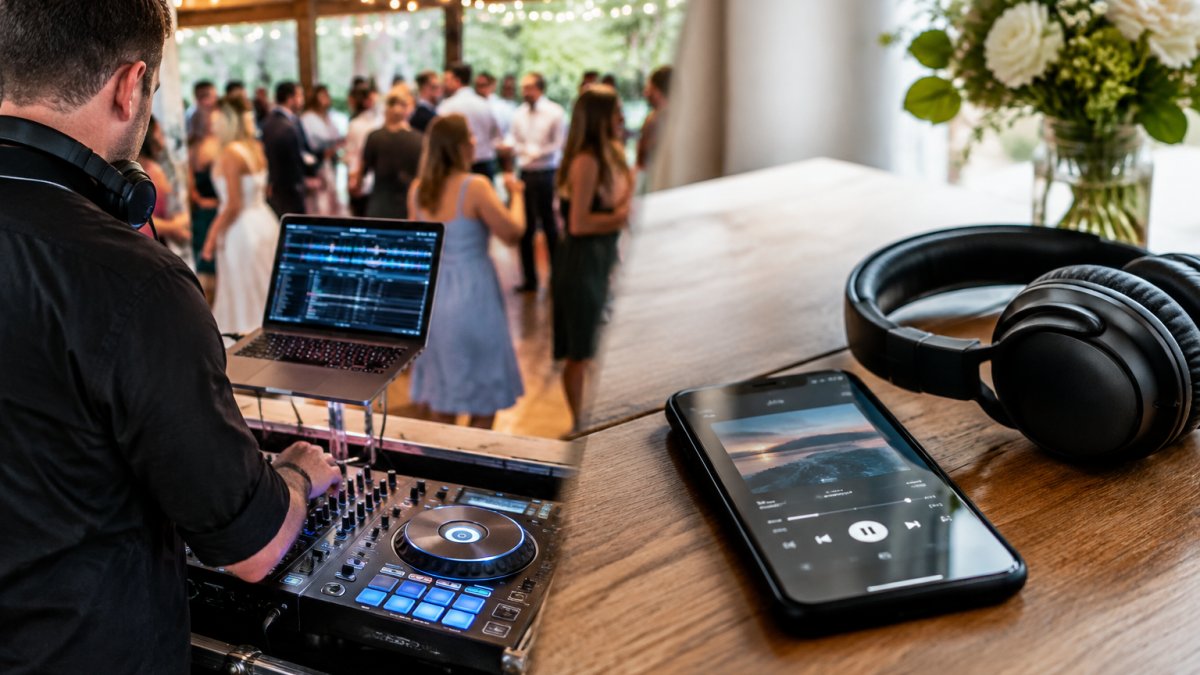
The wedding DJ vs Spotify decision comes down to one question: do you want a system that reacts to the room, or a playlist that plays exactly what you built? Spotify costs nothing beyond a subscription and gives you total control over every song. A professional DJ reads crowd energy in real time, adjusts on the fly, and handles announcements and timeline changes.
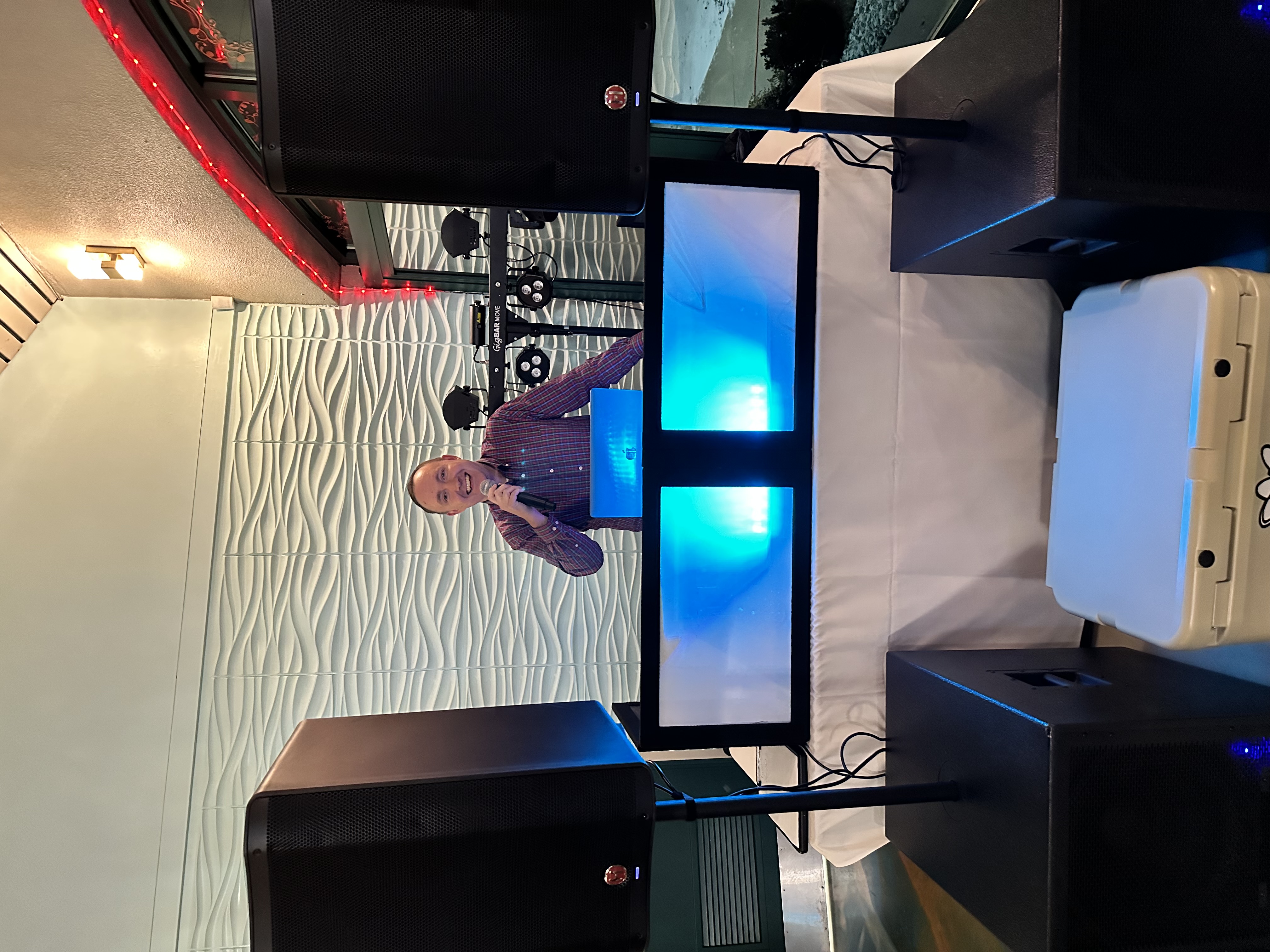
With over two decades of experience, TheMovement315 serves weddings and events across Central New York. The honest answer is that neither option wins every time. What matters is matching the music source to your guest list, your timeline, and how much you want to manage on the day itself.
Below, we break down the real costs, the trade-offs, and a decision framework you can apply to your own reception.
Wedding DJ vs Spotify Cost: What You Actually Pay For
The wedding DJ vs Spotify cost gap is wider than most couples expect, but it is not only about money. Spotify Premium runs a small monthly fee, and you likely already pay it. A professional DJ is a service fee that covers equipment, setup, emcee duties, and hours of live decision-making.
The mistake most couples make is comparing a DJ's quote to a Spotify subscription and stopping there. Spotify is not free once you account for the gear and labor a reception actually requires. Here is the itemized version.
Cost Factor | Spotify Playlist | Professional DJ |
|---|---|---|
Subscription | Spotify subscription | None |
Sound system | Rental or purchase of powered PA speakers, stands, and cables | Included in the service fee |
Microphone | Wired or wireless mic plus a stand, rented or bought separately | Included |
Mixer or controller | Needed to run mic and music together; often rented | Included |
Setup and teardown | You or hired help, typically 1-2 hours each way | Handled by the DJ |
Timeline management | You or a friend, unpaid but on the clock all night | Included |
Backup plan | Second device, duplicate playlist, offline downloads | Built into the DJ's rig |
Emcee and announcements | Not included unless you assign someone | Included |
Costs for each line vary by market and venue, so request an all-in quote before comparing. What matters is the structure: a DIY reception is rarely just a subscription. It is a subscription plus speakers plus a microphone plus a mixer plus someone's time. When you add those line items, the gap between Spotify and a DJ narrows more than the sticker price suggests.
The savings are real for small, low-key receptions with borrowed gear, and they shrink as the room grows and the event needs more coordination.
Watch out: rental insurance and damage deposits can add to the DIY total. Ask for the all-in number before you compare it to a DJ quote.
For a full breakdown of what local packages include, see our guide to wedding DJ pricing in Syracuse.
What a Professional DJ Brings to Reception Music
A professional DJ can bring live crowd reading and emcee coordination, which a playlist does not provide.
The biggest mistake couples make is assuming a DJ just presses play. In practice, the job is music selection in motion. A professional DJ can watch the dance floor, adjust the music to the room, and run announcements for the event.
Couples can share a must-play list and a do-not-play list so their tastes guide the music. Curious whether the investment is worth it? Read our full case for why professional wedding DJs are worth it.
The DIY Playlist Advantage: Control and Savings
The DIY playlist advantage is real: total control and a lower upfront cost. You choose every song, in every order, with no filter between your taste and the speakers.
For couples with strong, specific music preferences, that control matters. You can build a set that reflects your story, skip the generic wedding staples, and keep the volume where you want it. A relaxed, smaller reception often runs smoothly on a well-built playlist.
The trade-off is that you own the outcome. Someone has to manage the queue, watch the room, and step in when the dance floor empties. If your guest list is small and low-key, that is manageable. If you are expecting a packed floor and a mixed-age crowd, it gets harder fast.
How to Make a Wedding Playlist for Free
Making a wedding playlist for free is straightforward if you follow a clear order of work. Start with the moments that cannot move, then build outward.
- Lock your must-play songs for the first dance, parent dances, and ceremony.
- Build a do-not-play list and share it with whoever runs the music.
- Sort songs into blocks: cocktail hour, dinner, and open dancing.
- Order each block so energy rises gradually rather than jumping around.
- Download every track for offline playback before the event.
- Build a backup device with the same playlist loaded.
A common mistake is treating the playlist as one long shuffle. Order matters more than length. A strong open-dancing block starts with familiar, mid-tempo tracks and builds from there.
Building the Best Wedding Reception Playlist on Spotify
The best wedding reception playlist on Spotify balances crowd-pleasers with personal favorites, and it is organized by moment, not by genre. Structure beats song count every time.
Start with a cocktail-hour block of mellow tracks, move into dinner music that stays in the background, then build your open-dancing set in rising energy waves. Use crossfade to smooth transitions, and keep clean edits on hand for family-friendly crowds. For deeper playlist structure, our wedding DJ playlist tips walk through ordering, transitions, and pacing in detail.
Watch out: Spotify needs a live internet connection unless you download tracks in advance. Download everything, and test offline playback on the actual device and speakers you will use.
How to Keep Wedding Guests Dancing Without a DJ
Keeping guests dancing without a DJ depends on three things: song variety across ages, a sound setup that fills the room, and someone willing to manage the queue. Get those right and a DIY dance floor can hold its own. Get them wrong and the floor empties during the second song.
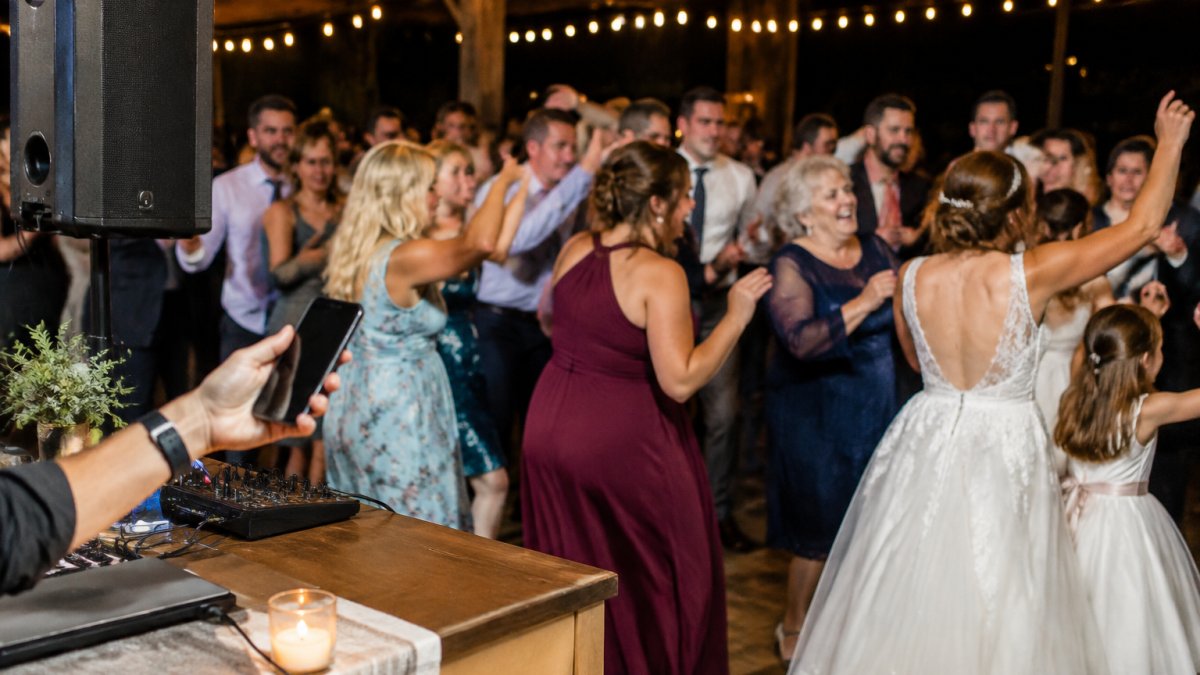
Build your set in waves: open with songs the older guests know, then shift into current tracks for the younger crowd, and rotate back. For crowd-pleasing song ideas across generations, see our best wedding songs for all ages.
A common mistake is front-loading every big song in the first hour. Spread your strongest tracks across the night so energy has somewhere to go.
The part most DIY guides skip is what happens when playback fails. A reception playlist is a live performance whether or not anyone calls it that, and live performances need a contingency plan. Build one before the event, not during it.
The DIY audio and contingency checklist
- Download every track for offline playback on the device you will actually use. Streaming depends on a live connection, and venue Wi-Fi is rarely reliable enough to bet a dance floor on.
- Load the same playlist onto a second device, a phone, a tablet, or a laptop, and keep it charged and logged in.
- Bring the right cables and adapters: a 3.5mm-to-RCA or 3.5mm-to-XLR cable to reach the PA, plus a spare aux cable and a power strip.
- Do a sound check in the actual room before guests arrive. Walk the floor and confirm the volume carries to the back without distorting near the speakers.
- Keep a printed or offline copy of the run-of-show and the do-not-play list so whoever runs the queue is not relying on a signal.
- Assign one person to own the queue and the mic. A friend with a clear role beats a crowd of volunteers.
- Have a fallback track ready, one universally liked song you can drop in if the room goes flat while you troubleshoot.
Watch out: Bluetooth is convenient but drops when the room fills with bodies and phones. A wired connection from device to speaker is the more reliable choice for the open-dancing block.
Accessibility and inclusive planning
A dance floor that works for every guest is a design choice, not an accident. Keep clean versions of explicit tracks on hand for family-friendly crowds.
If the checklist above feels like more management than you want on your wedding day, a hybrid approach may suit you: a DJ for the open-dancing block and announcements, and a curated playlist for cocktail hour and dinner.
Booking Your Reception Music Consultation
Booking a reception music consultation is the fastest way to settle the DJ question for your specific guest list and timeline. A short call answers what no article can: whether your reception needs live crowd reading or can run on a playlist.
TheMovement315 offers pressure-free phone consultations to help tailor a plan to your event, and additional enhancements including photo booths and karaoke. If you are ready to compare options, our guide to hiring a wedding DJ in Syracuse covers what to ask before you commit.
Frequently Asked Questions
Is Spotify enough for wedding reception music?
Spotify can carry a reception if you have reliable offline downloads, a backup device, a proper sound system, and someone willing to manage transitions and requests. The trade-off is that no one reads the room or adjusts on the fly. A wedding DJ vs Spotify decision usually comes down to whether you want a curated soundtrack or live crowd management. Couples who want minimal involvement often prefer a DJ, while detail-oriented planners may prefer the playlist.
How much does a wedding DJ cost compared with using Spotify?
A Spotify subscription has a monthly fee, but the full DIY setup also includes speakers, a microphone, and possibly rental or purchase of audio gear, which can add up. DJ pricing depends on date, hours, travel, and add-ons, so request a quote rather than relying on averages. When comparing wedding DJ vs Spotify cost, factor in your time building the playlist, the risk of tech failure, and whether you want MC duties handled.
What are the biggest risks of using a playlist instead of a DJ?
The main risks are dead air during transitions, a shuffled song killing the dance floor, Wi-Fi or device failure, and no one available to make announcements or adjust the timeline. A playlist also cannot take a guest request and judge whether it fits the moment. Mitigate these by downloading everything offline, bringing a backup phone or laptop, assigning a trusted friend to manage the queue, and testing your sound system at the venue beforehand.
How do you keep guests dancing with a Spotify playlist?
Front-load familiar upbeat tracks, keep the tempo steady, and avoid long slow-song blocks early in the night. Build a must-play list and a do-not-play list, then order songs manually instead of shuffling. Watch the floor and skip tracks that empty it. If you want a safety net, many couples hire a DJ for the full reception or just for the peak hours and run their own playlist during dinner, which blends control with crowd-reading.
The real challenge is not picking a side in the wedding DJ vs Spotify debate. It is knowing which one fits your reception before the day arrives. If you want a soundtrack that adapts to the room, handles announcements, and keeps a mixed-age crowd on the floor, TheMovement315 brings more than 20 years of experience, customized DJ services, and pressure-free consultations to weddings across Central New York. Get started with TheMovement315 and lock in reception music that fits your night.